AIRTABLE FOR MARKETING: BOOST PRODUCTIVITY AND COLLABORATION STRATEGIES
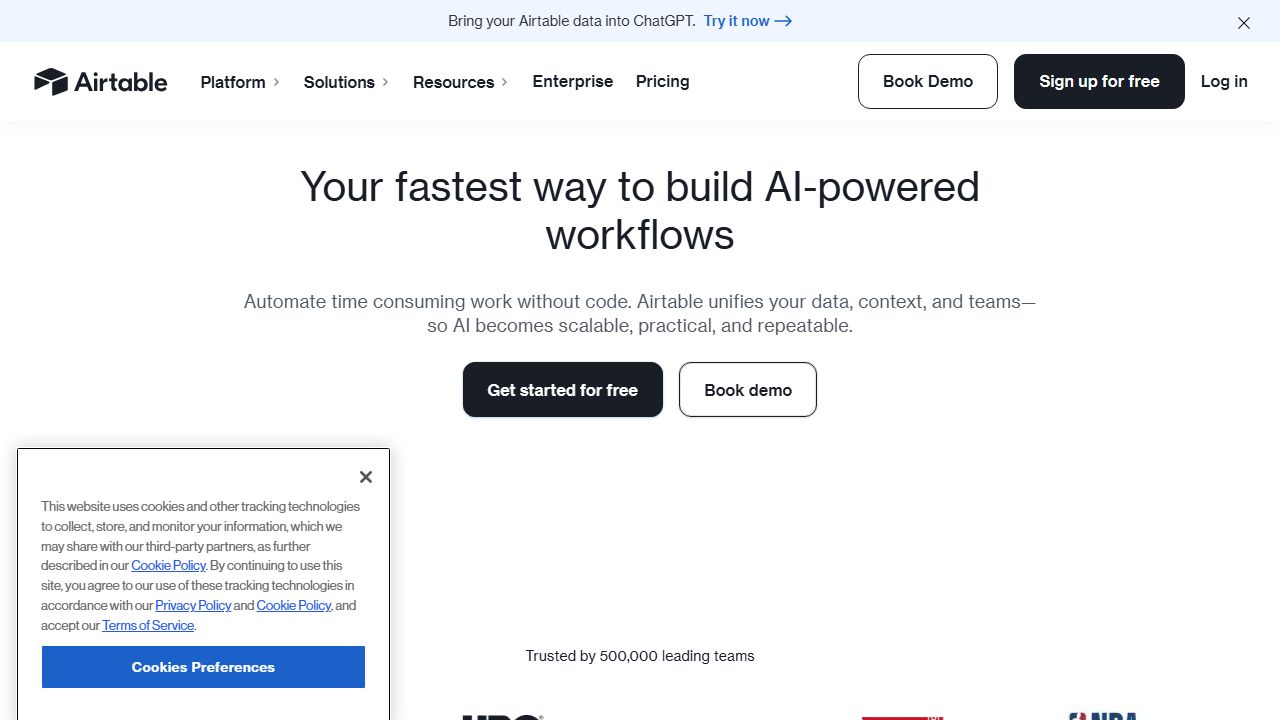
Airtable for Marketing Teams: A Comprehensive Guide
▸What is Airtable?
Airtable is a versatile cloud collaboration platform that combines the familiarity of spreadsheets with the power of a database. For marketing teams, it serves as an all-in-one workspace where you can plan campaigns, track content calendars, manage projects, and organize customer data. Think of it as a supercharged spreadsheet that can handle complex relationships between data, attach files, and automate workflows. We've found it particularly valuable for marketing teams who need to break free from disconnected tools and spreadsheet chaos.
▸Key Features and Capabilities
Visual Organization Tools
- Views: Transform your data into Kanban boards, calendars, galleries, and Gantt charts
- Grid View: Familiar spreadsheet interface with powerful sorting and filtering
- Custom Fields: Create specialized fields for campaign status, ROI tracking, and content stages
Relational Databases
- Link records across tables (e.g., connect campaigns to assets, team members to projects)
- Create master-detail relationships between marketing initiatives
- Build complex data structures without technical expertise
Automation Capabilities
- Automate repetitive tasks like status updates and notifications
- Create custom workflows for content approval processes
- Integrate with tools like Slack, Google Drive, and social media platforms
Collaboration Features
- Real-time commenting and @mentions
- Granular permission settings for different team members
- Activity history and revision tracking
▸Getting Started
-
Create Your Account
- Visit Airtable.com and sign up
- Choose from marketing-specific templates or start from scratch
-
Set Up Your First Base
- Select a template or create a custom structure
- Define your table fields and relationships
- Import existing data from spreadsheets
-
Customize Views
- Create different views for various team needs
- Set up filters and sorting rules
- Configure sharing permissions
-
Add Team Members
- Invite collaborators via email
- Assign roles and permissions
- Set up workspace settings
▸Real-World Use Cases
Content Calendar Management
We've seen marketing teams use Airtable to create dynamic content calendars where they can track post status, assign writers, manage deadlines, and store assets. The calendar view makes it easy to spot gaps in content scheduling, while the Kanban view helps visualize the content production pipeline.
Campaign Tracking
Marketing teams use Airtable to track multiple campaigns across channels, with linked tables for budget tracking, creative assets, and performance metrics. The ability to create custom fields for ROI calculations and automated status updates makes campaign management much more efficient.
Asset Management
Teams store and organize marketing assets with custom fields for usage rights, expiration dates, and brand guidelines. The gallery view makes it easy to browse visuals, while relationship fields connect assets to specific campaigns or channels.
▸Pros and Cons
Advantages:
- Exceptional flexibility in data organization and visualization
- Powerful automation capabilities for marketing workflows
- Rich integration options with other marketing tools
- User-friendly interface with minimal learning curve
Limitations:
- Free plan has significant limitations
- Can become costly for larger teams
- Complex setups require careful planning
▸How It Compares to Alternatives
Compared to Monday.com, Airtable offers more powerful database capabilities but less project management focus. Notion provides better document collaboration but lacks Airtable's robust data handling. Asana excels in project management but doesn't match Airtable's flexibility in data organization. Each tool has its strengths, but Airtable stands out for marketing teams needing a flexible, data-driven workspace.
▸Pricing and Value
Airtable offers four tiers:
- Free: Basic features for small teams
- Plus ($10/user/month): Automation and additional views
- Pro ($20/user/month): Advanced features and security
- Enterprise: Custom pricing for large organizations
The Pro plan typically offers the best value for marketing teams, providing necessary features without enterprise-level costs.
▸Final Verdict
We recommend Airtable for marketing teams who need a flexible, powerful tool to manage their operations. It's particularly valuable for content-heavy teams and those managing multiple campaigns simultaneously. While the learning curve can be steep for complex setups, the payoff in improved organization and efficiency makes it worth the investment.